Capture, Process and File Documents with Ease!

EzeScan’s Remote Indexing Assistant (RIA) provides a simple and intuitive web-based interface for capturing, processing and registering business-critical documents, whether hardcopy or digital-born, as they enter the organisation.
  • Process hard copy and digital documents faster with intelligent automation.
  • Eliminate repetitive data entry and accelerate document registration.
  • Maintain consistent, compliant records across all business workflows.
  • Enable secure document review and approval from any location.
EzeScan's PII Discovery Solution Image.png

Capture Documents from Multiple Sources
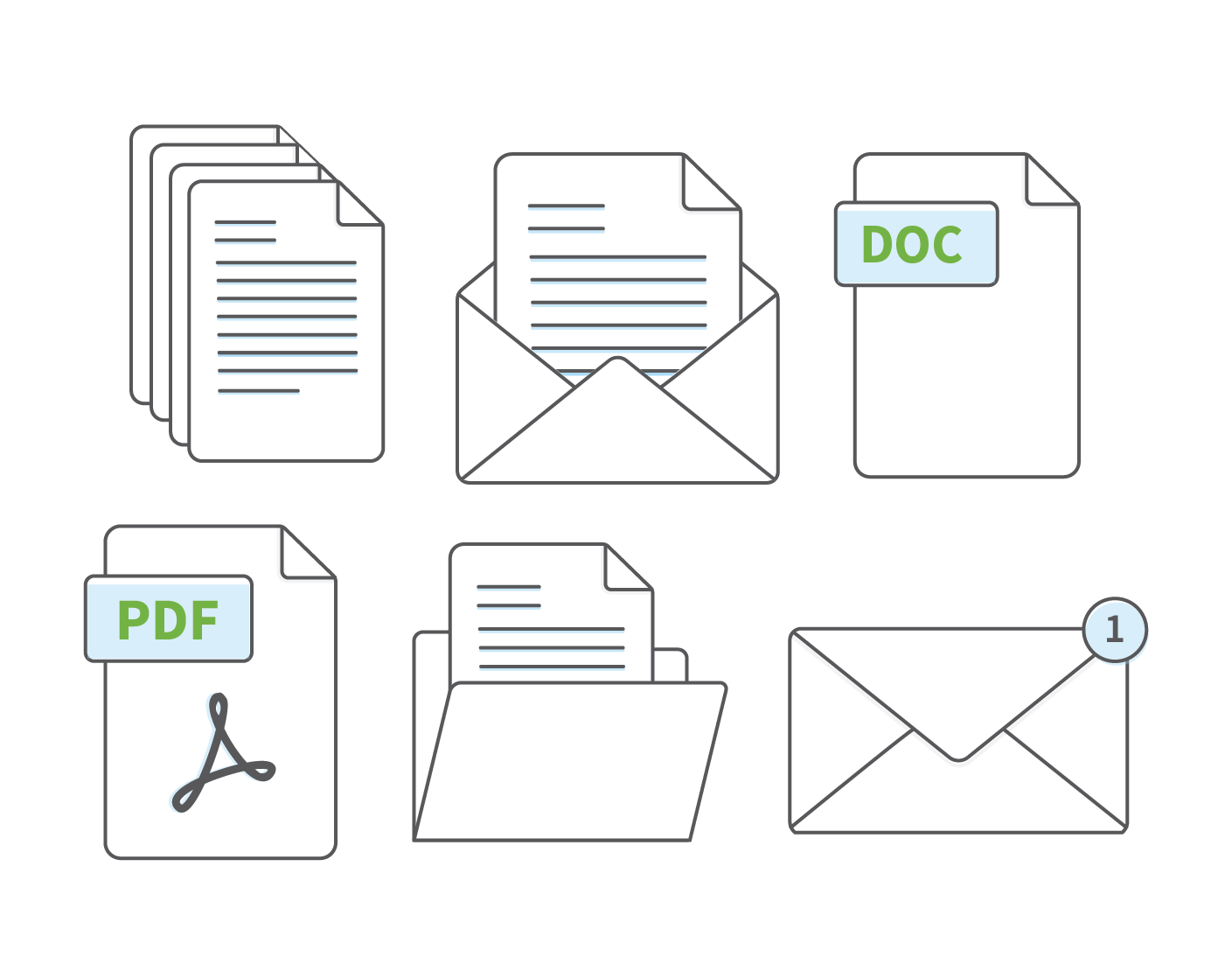
  • Streamline document ingestion by capturing information in a variety of formats from multiple business channels.
  • Scan hardcopy documents from any MFP or through production scanning workflows powered by EzeScan Desktop.
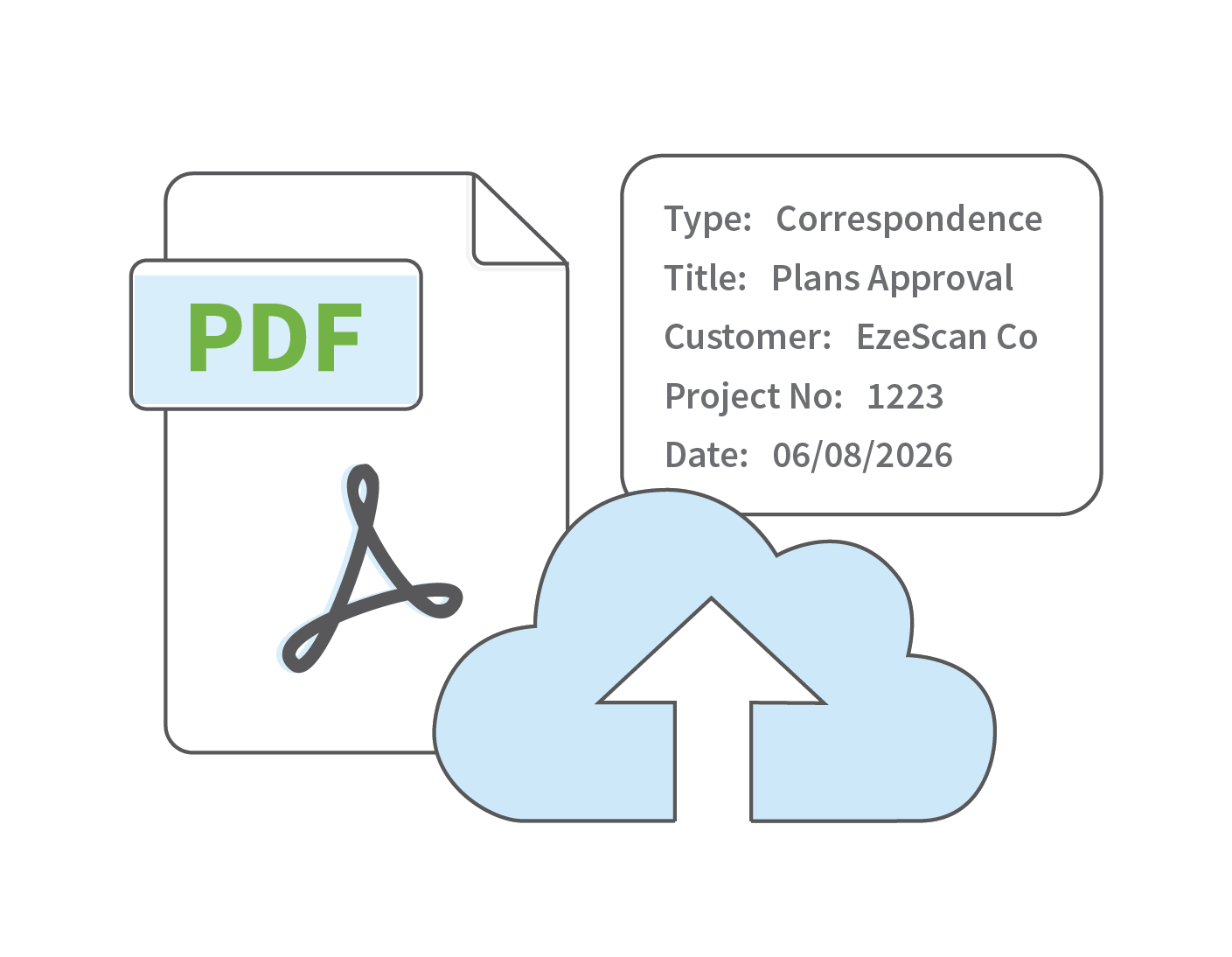
  • Automatically ingest digitally-born documents from email, file systems, and Azure Blob Storage, or capture files directly via drag-and-drop uploads.
  • Convert incoming files into text searchable PDFs using automated PDF conversion and OCR.
EzeScan DRA Automated Monitoring Image

Document Centric Workflows

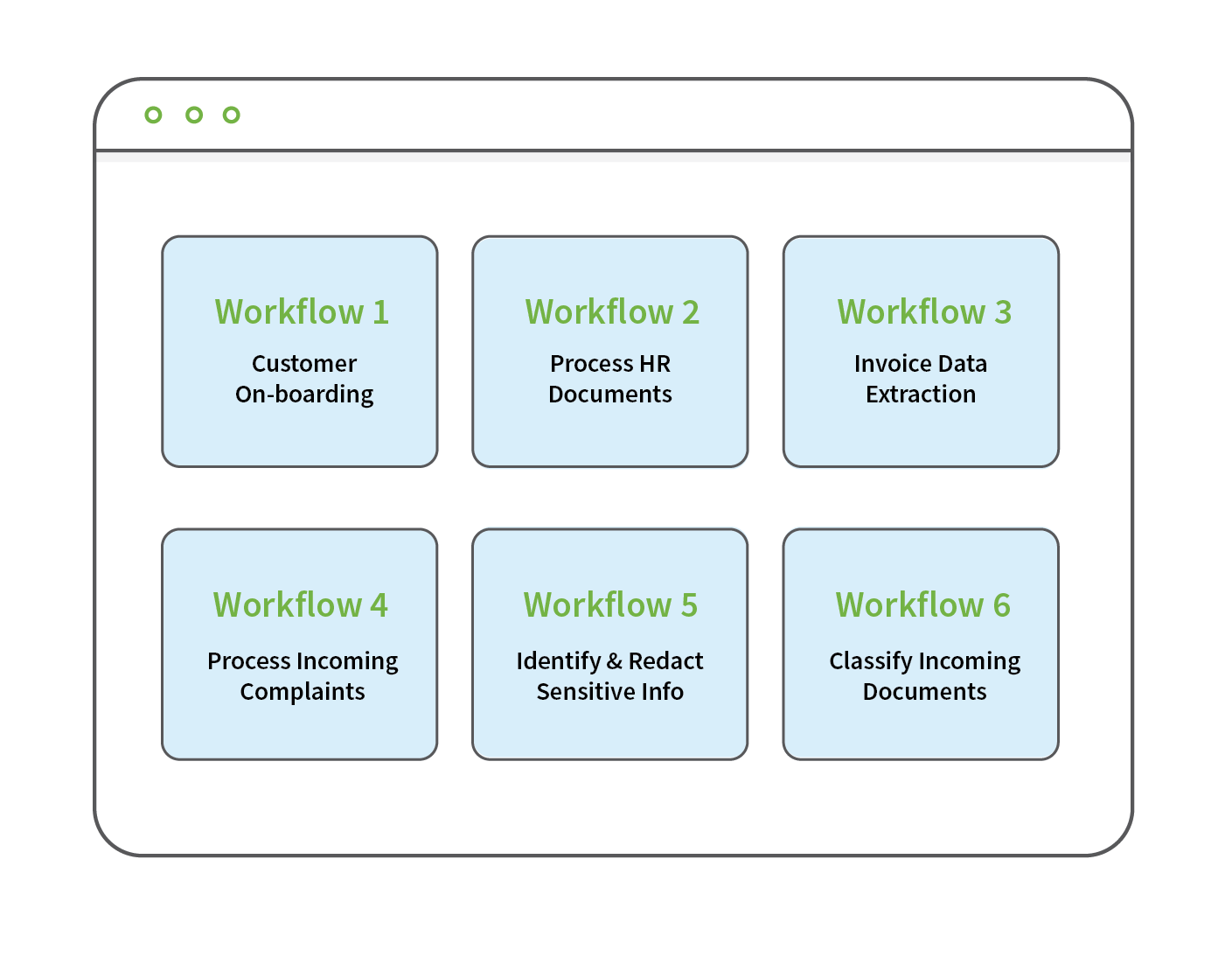
  • Create seperate RIA pages for different document workflows or specific business processes.
  • Configure each page as a controlled processing queue (in-tray) with independently defined metadata requirements and workflow rules.
  • Metadata fields can be configured using a range of field types, including text, dropdown selections, dates, checkboxes and system lookups.
  • Manage queue access through shared or user-specific permissions, supporting both team-based and individual processing models.
EzeScan DRA Smart Searches Image.png

Automated Functionality through Pre-Processors
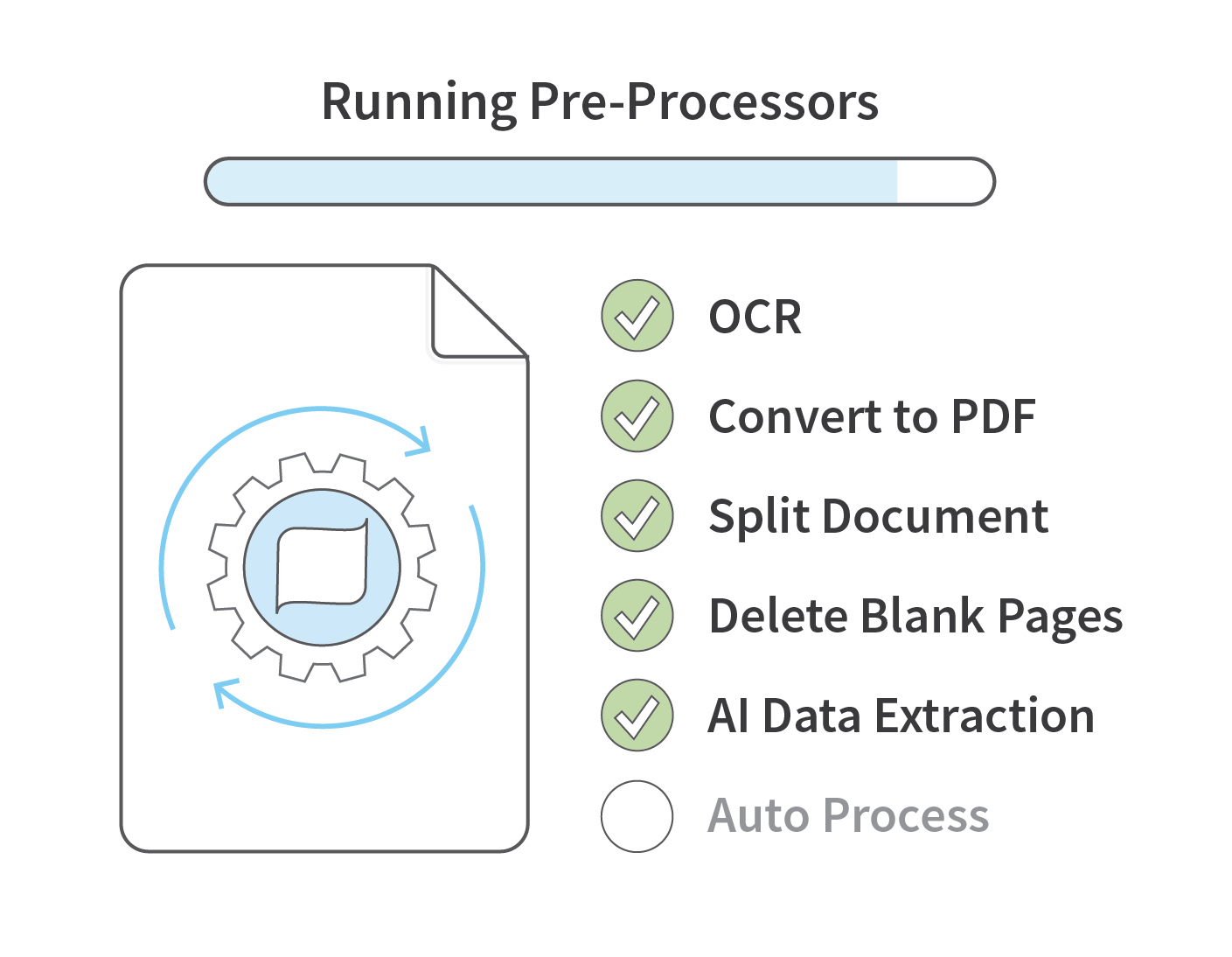
  • Automate document processing with configurable pre-processors that perform tasks such as AI-driven data extraction and discovery, barcode recognition, blank page deletion, and document splitting.
  • Validate extracted metadata through automated database or EDRMS lookups to improve accuracy and consistency.
  • Configure multiple pre-processors in sequence to support complex workflows and varying levels of automation.
  • Depending on configuration, documents may proceed directly to storage or be directed to a user for review.
EzeScan DRA Automated Workflows Image

User Approval and Indexing via Web Interface
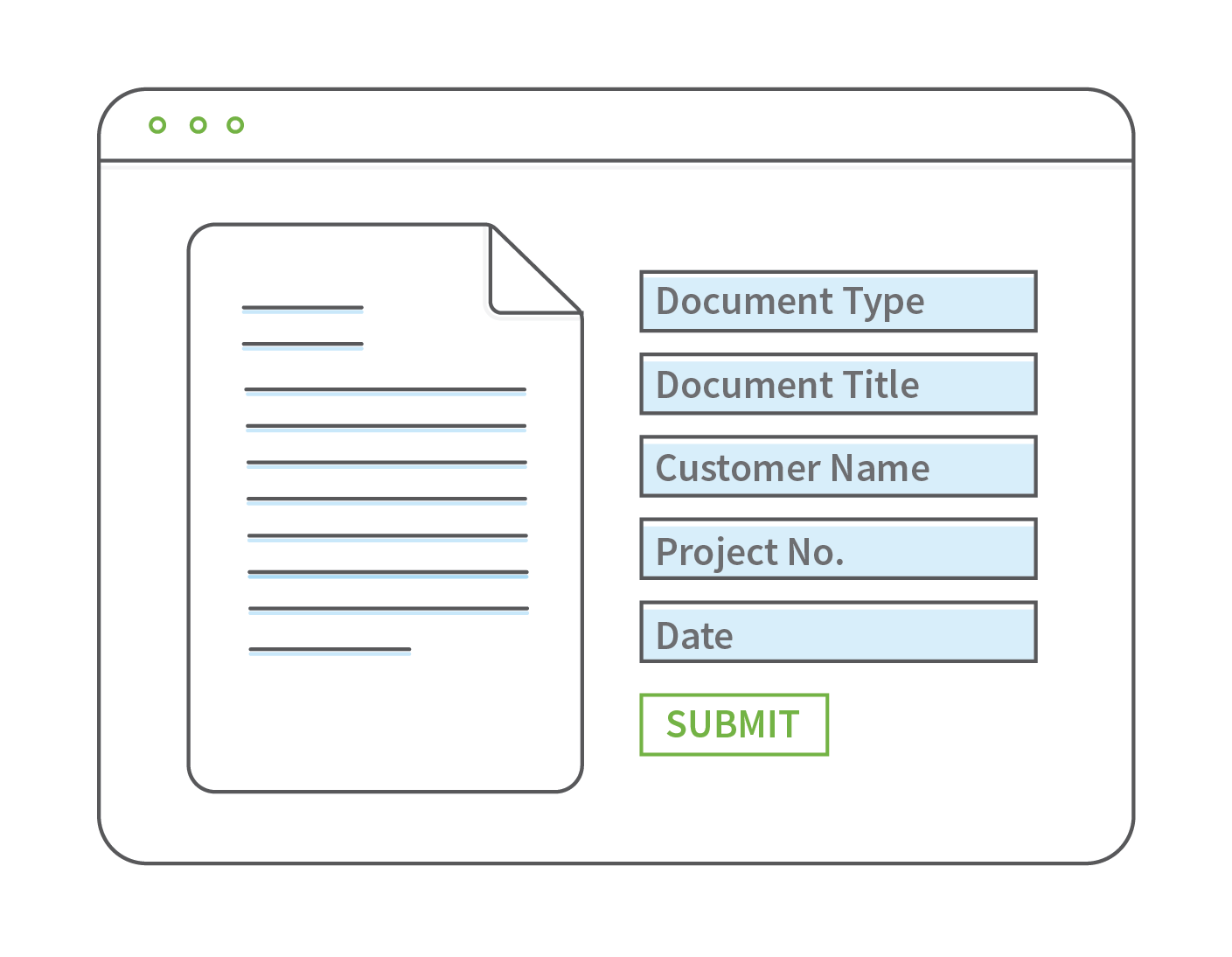
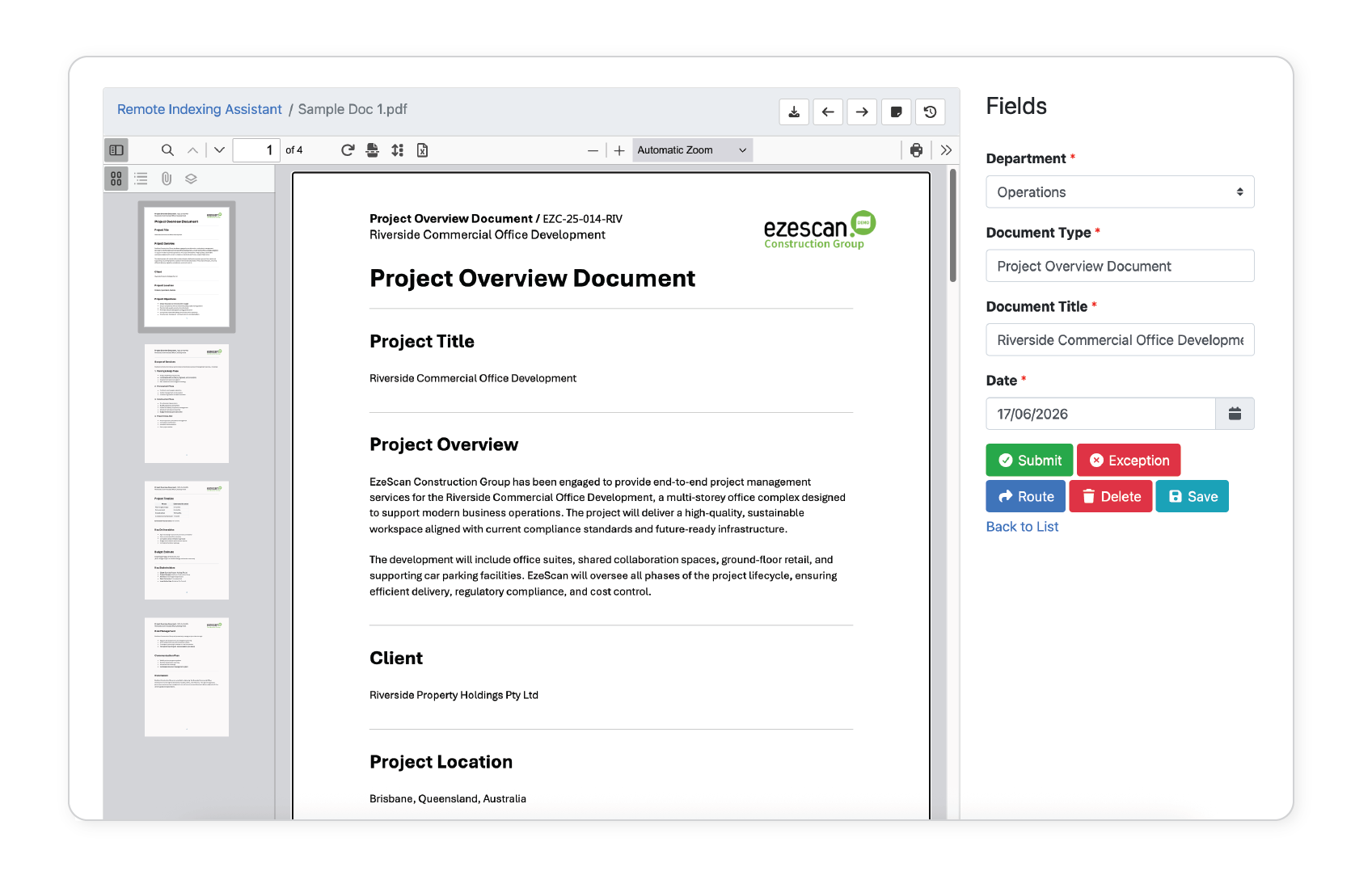
  • End users can review and complete document processing tasks from a browser-based workspace when required.
  • Access is available from any device with a web browser, supporting flexible working environments.
  • Email notifications can be sent when documents are assigned to a user's queue and require action.
  • Users can review content, confirm or update metadata, and perform system lookups where required.
EzeScan DRA Smart Searches Image.png

Automated Naming and Document Filing

  • Automatically route documents to additional queues or workflows for further processing or upload them directly to desired location or system.
  • File naming conventions can be generated dynamically based on captured metadata, ensuring consistency across records.
  • Metadata is applied and mapped as part of the upload process, ensuring documents are stored in the correct location.
EzeScan DRA Automated Workflows Image